
RepRapMicron’s Fiber‑Optic UV Head Prints Tiny Benchy in Resin
RepRapMicron adds a fiber‑optic UV head to print a miniature Benchy model in resin.
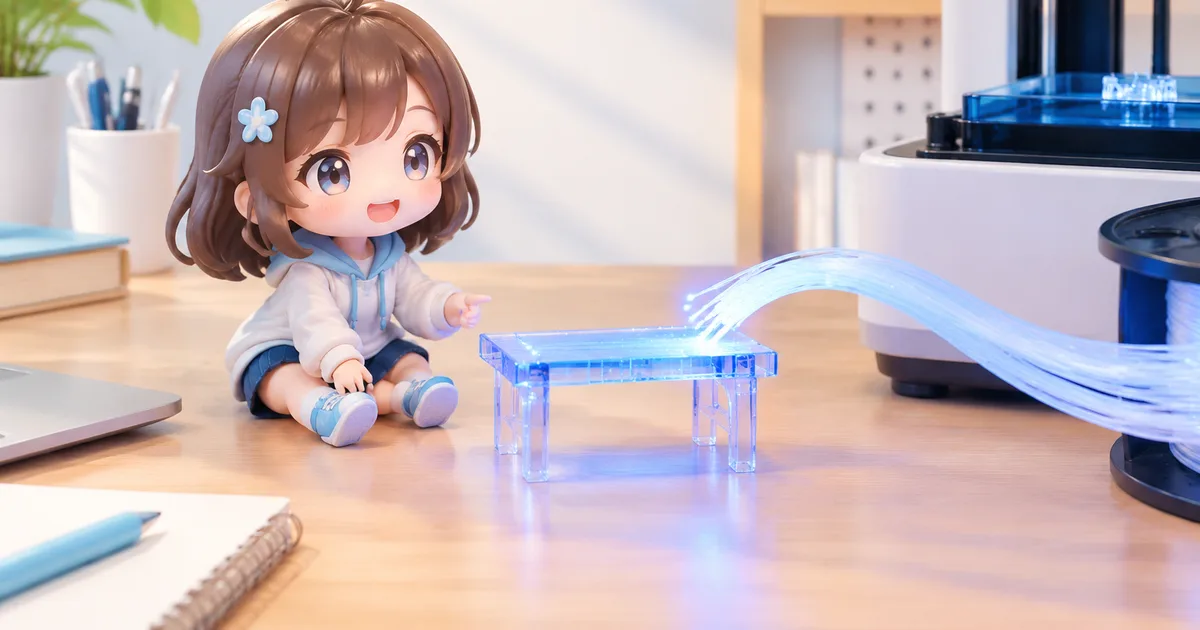
A new fiber‑optic UV print head lets the RepRapMicron produce a miniature Benchy model in resin.
According to Hackaday, the open‑source RepRapMicron (also called µRepRap) has been upgraded with a UV‑capable print head that uses fiber optics to deliver light directly to the resin surface, enabling it to print a tiny version of the classic 3D‑printing benchmark model, Benchy.
What the RepRapMicron Is
The RepRapMicron is a tabletop, open‑source printer that follows the same philosophy as the original RepRap project: to make the machine capable of reproducing many of its own parts. While most RepRap machines work at the millimeter to centimeter scale using thermoplastic filament, the Micron pushes the concept down to the sub‑millimeter regime. Its frame is built from laser‑cut acrylic and a few metal brackets, and the motion system relies on micro‑stepper motors and a compact linear rail. The design is deliberately minimal, allowing hobbyists to assemble it with modest tools and to modify it for experimental purposes.
How the Fiber‑Optic UV Print Head Works
Traditional resin printers use a projected UV image (masked stereolithography) or a moving laser spot (digital light processing) to cure liquid polymer layer by layer. The Micron’s new head replaces the conventional LED array with a single high‑intensity UV source coupled to a thin fiber‑optic cable. The fiber delivers light to a small nozzle that sits just above the resin bath. By pulsing the light in sync with the Z‑axis movement, the printer can harden resin only where the nozzle passes, effectively “drawing” each layer.
Because the fiber is so thin, the cured voxel can be on the order of tens of micrometers, far smaller than the 50‑100 µm voxels typical of desktop SLA machines. This precision makes it possible to reproduce the Benchy model at a scale of a few millimeters, a size that would be impossible with standard SLA optics due to diffraction limits.
Why This Matters for Hobbyists and Figure Makers
For anyone who enjoys creating custom figurines, anime characters, or tabletop game miniatures, the ability to print at such a fine scale opens new design possibilities. A model that fits on the tip of a finger can be used as a pendant, a keychain, or a component of a larger diorama without the need for post‑printing enlargement or heavy sanding. The Micron’s open‑source nature also means that users can adapt the fiber‑optic head to different resin formulations, potentially achieving harder or more flexible materials depending on the project.
FigMee’s service, which turns customer photos into 3D‑printed figures, already supports a range of scales and materials. While FigMee does not claim any specific performance from the Micron, the technology demonstrates that high‑resolution resin printing is becoming more accessible to individual makers, which could eventually reduce the cost of producing ultra‑small custom figures.
Potential Applications and Limitations
Beyond hobbyist figurines, the Micron’s precision could be useful for micro‑engineering tasks such as fabricating tiny mechanical parts, micro‑fluidic channels, or optical components. Researchers who need bespoke parts for lab equipment often resort to expensive commercial micro‑SLA printers; a DIY Micron offers a lower‑cost alternative, albeit with a steeper learning curve.
However, the system is not without drawbacks. The fiber‑optic UV source requires careful alignment and cooling, and the resin tank must be kept free of debris that could block the light path. Print speeds are slower than conventional SLA because each voxel is cured individually. Additionally, because the printer is still a prototype, users should expect occasional firmware glitches and the need for manual calibration.
Getting Started with a Micron Upgrade
If you already own a RepRapMicron, the fiber‑optic head is offered as an optional kit from the project’s GitHub repository. Assembly involves attaching the fiber cable to the UV diode, mounting the nozzle onto the existing carriage, and updating the firmware to handle the new timing requirements. Detailed step‑by‑step instructions, CAD files, and a Bill of Materials are provided in the repository’s documentation.
For newcomers, the Micron can be built from scratch using the same open‑source files that powered the original design. The community around the project maintains an active forum where users share resin recipes, print settings, and troubleshooting tips. Engaging with that community can shorten the ramp‑up period and help you avoid common pitfalls.
Outlook
The introduction of a fiber‑optic UV head to a sub‑millimeter printer illustrates how open‑source hardware continues to push the boundaries of what is possible at a low cost. As more makers experiment with this approach, we can expect improvements in reliability, speed, and material compatibility. Those advances will likely benefit anyone who needs high‑detail, tiny prints—whether for personal collectibles, educational models, or experimental research.
FAQ
What is the smallest feature size the Micron can reliably print?
Current reports suggest reliable voxel dimensions around 30–50 µm, which translates to line widths of roughly the same size when printing in resin.
Do I need special resin for the fiber‑optic UV head?
Standard UV‑curable resins work, but low‑viscosity formulations tend to flow better around the tiny nozzle and reduce the risk of bubbles forming during curing.
Can the Micron print full‑color models?
No. The system uses a single‑wavelength UV source, so it can only cure clear or pigmented resin without color variation across a single print.
Is the Micron compatible with FigMee’s file formats?
FigMee accepts standard STL and OBJ files, which can be generated from the Micron’s slicing software, so you can export a model from the Micron workflow and upload it to FigMee for larger‑scale production if desired.
Want to turn a photo into a figure?
Previews are free. Order only once you're happy with what you see.
Try it for free