
 Figurine
 Charm
 Magnet
 Relief
 Vent clip
 Tray
What photo conditions are needed for a Figmee 3D‑printed figure?
Submit a well‑lit, sharply focused image that clearly shows the face and body in the chosen framing for the best Figmee figure.
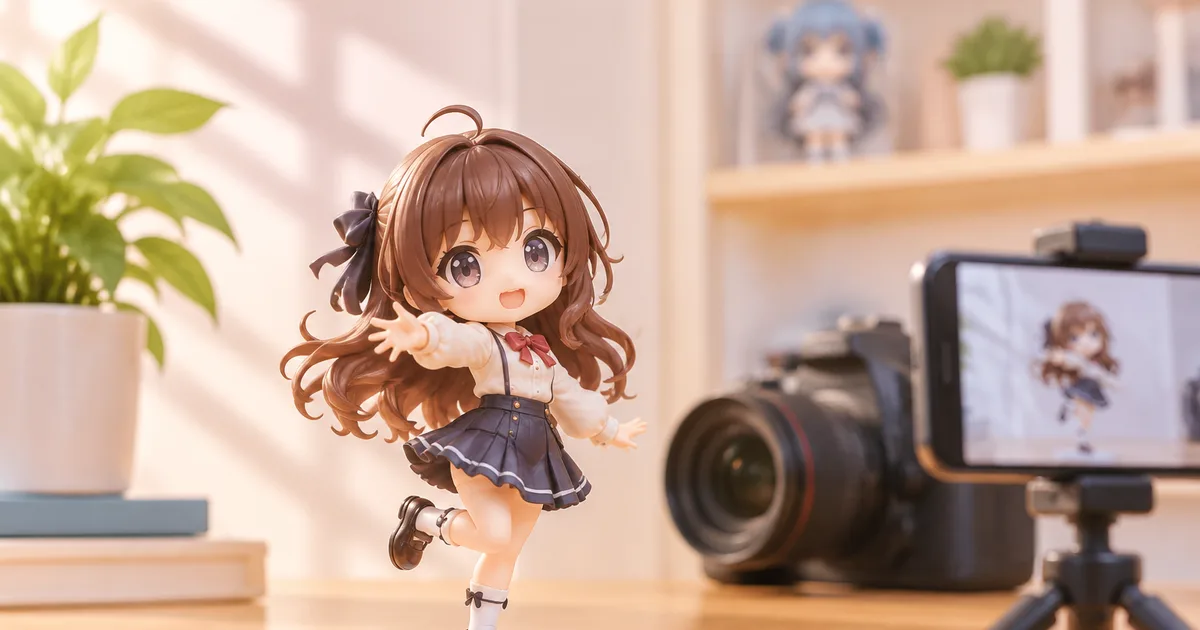
To get a high‑quality Figmee figure, submit a well‑lit, sharply focused photo that clearly shows the subject’s face and body in the desired framing.
Lighting
A consistent, diffused light source reduces harsh shadows that can obscure facial features or body contours. Natural daylight on an overcast day is ideal because it provides even illumination without the need for additional equipment. If you shoot indoors, position a softbox or a lamp with a diffuser 45° to the subject and avoid direct flash, which creates specular highlights on hair and clothing. Check the histogram on your camera or phone; the exposure should be centered with no clipping at either end.
Focus and Sharpness
The camera must capture fine details such as hair strands, eye shape, and clothing texture. Use the highest resolution setting available and enable the device’s focus lock (tap‑to‑focus on smartphones). After focusing, hold the camera steady—use a tripod or place the device on a stable surface. A blurred image will cause the 3D‑printing algorithm to guess surface geometry, resulting in loss of definition in the final figure.
Framing: Face‑only vs. Full‑Body
Figmee supports two framing options: bust‑up (head and shoulders) and full‑body. Choose bust‑up when the subject’s facial expression is the main selling point; this framing allows the algorithm to allocate more polygon detail to the face. For full‑body figures, ensure the entire silhouette fits within the frame with a small margin around the edges. The subject should be centered horizontally, and the vertical space should include the top of the head and the feet without cutting them off. Avoid extreme angles; a straight‑on or slightly angled pose yields the most accurate geometry.
Including Pets
Figmee can combine a person and a pet into a single figure, but the photo must meet the same quality standards for both subjects. Position the pet close enough to the person that they appear as a cohesive group, but keep enough distance to maintain focus on each. Pets with busy fur patterns (e.g., tabby cats) benefit from additional lighting to prevent shadow loss. If the animal’s eyes are closed, the algorithm may interpret them as missing data, so aim for a moment when the pet’s eyes are open and looking toward the camera.
File Preparation and Submission
After capturing the image, export it as a JPEG or PNG at the maximum resolution your device allows; Figmee’s preview system accepts files up to 25 MB. Do not apply heavy filters, cropping, or compression that removes detail. A clean background (solid, neutral color) helps the software isolate the subject, but Figmee can handle modestly cluttered scenes if the subject is clearly separated by contrast. Before uploading, preview the image on a larger screen to verify that facial features, hair edges, and any accessories are distinct.
Figmee’s Own Statistics (for context)
Figmee has generated 1,427 figure previews as of November 2026, showing that many users experiment with different photo setups before finalizing a print. Of those, 262 customers have chosen to publish their results in the public gallery, indicating a willingness to share successful outcomes when the source photo meets the platform’s quality criteria.
Practical Tips Checklist
- Use natural daylight or diffused artificial light.
- Set the camera to its highest resolution.
- Lock focus on the eyes (for bust‑up) or the torso (for full‑body).
- Keep the subject centered with a small margin.
- Ensure eyes are open and clearly visible.
- Avoid heavy post‑processing; keep the image raw.
- Submit the file in JPEG or PNG format, under 25 MB.
- Take advantage of Figmee’s free preview to verify that the algorithm captured the details you expect before ordering a print.
FAQ
How many people can appear in one Figmee figure?
Figmee supports up to two subjects per figure, which can be any combination of people and pets.
Can I use a portrait taken with a smartphone?
Yes, as long as the phone captures a high‑resolution, well‑lit, and sharply focused image that meets the framing guidelines.
What should I do if my photo has a busy background?
Try to increase the contrast between the subject and the background by moving to a plain wall or using a backdrop; the algorithm performs best when the subject stands out clearly.
Want to turn a photo into a figure?
Previews are free. Order only once you're happy with what you see.
Try it for free