
Yes, a single front‑facing photo is enough to create a FigMee figure
A single front‑view photo can produce a complete 3‑D figure; missing back parts are reconstructed using AI and standard templates.
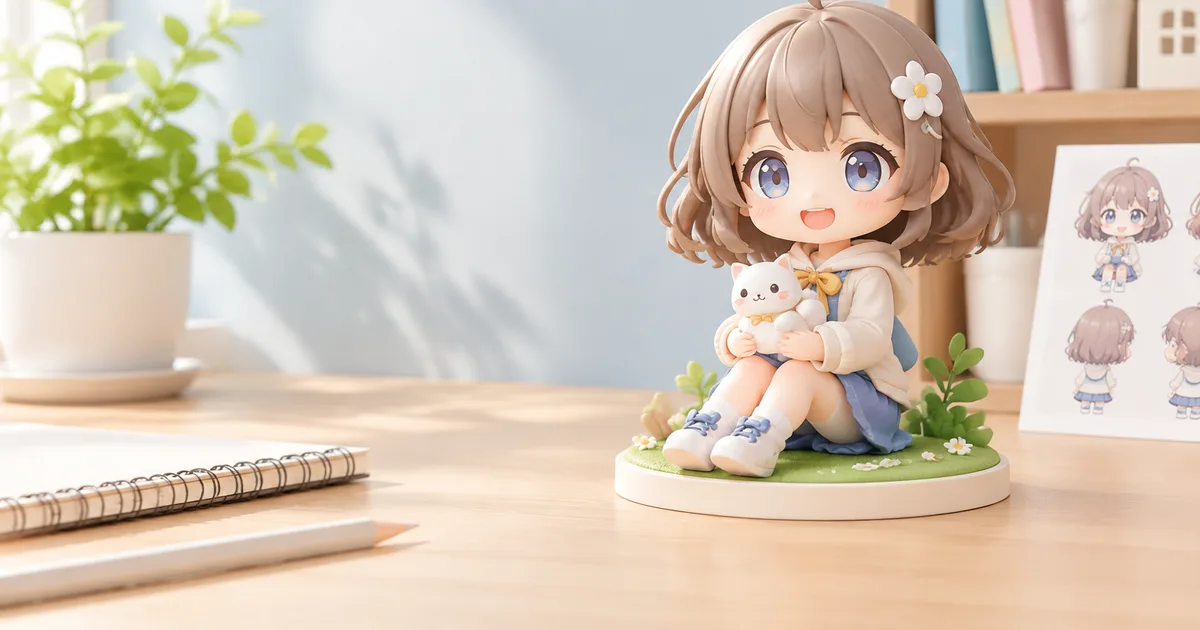
A single front‑facing photo provides sufficient data for FigMee to generate a complete 3‑D figure.
How a front‑only photo works
FigMee’s pipeline starts by extracting the visible geometry from the uploaded image. Modern computer‑vision models can infer depth, surface normals, and silhouette outlines from a single 2‑D shot when the subject is photographed straight on. The system then maps these cues onto a pre‑built generic human or creature mesh that matches the chosen style (chibi, realistic, anime, etc.). Because the base mesh already contains a full back, sides, and interior, the software only needs to adjust the front surface to match the customer’s likeness. This approach eliminates the need for multiple angles while keeping the final model coherent.
FigMee has generated 790 figure previews in total, showing that the single‑photo workflow scales reliably across many users.
Filling in the unseen back and sides
When the back of the subject is not captured, FigMee relies on two complementary techniques. First, the generic mesh supplies a default back shape that reflects the selected style. Second, an AI‑driven texture synthesis step predicts plausible skin tones, clothing patterns, and accessories on the hidden side based on what is visible in the front view. For example, if the front shows a long‑sleeved shirt, the algorithm assumes the same fabric continues around the torso. Users can later edit the generated back using FigMee’s online editor, but the initial preview is already printable.
The most popular display base is "no base," chosen by 58% of previews, which further reduces the need for precise back detail because the figure is often displayed on a flat surface where the back is less visible.
Choosing the right photo
Not every front‑facing shot yields the same quality. The following characteristics make a photo ideal:
- Direct, centered pose – The subject should face the camera head‑on, with the shoulders squared and the head centered in the frame.
- Even lighting – Soft, diffuse light minimizes harsh shadows that can confuse depth estimation.
- Clear background – A plain, contrasting background helps the algorithm separate the subject from the surroundings.
- Full body visibility – The entire silhouette from head to feet should be captured; cropping cuts off important reference points.
- Minimal accessories – Large, reflective objects (e.g., sunglasses, metal jewelry) can cause errors in surface reconstruction.
Photos taken from a slight angle, with strong side lighting, or with the subject partially turned will produce less accurate front geometry and may lead to noticeable artifacts on the back after AI completion.
Limitations and best practices
While the single‑photo method works for most standard poses, there are edge cases where additional images improve fidelity:
- Complex hairstyles – Very voluminous or asymmetrical hair may be difficult to infer on the unseen side.
- Layered clothing – Garments with hidden layers (e.g., a jacket over a shirt) can be mis‑represented on the back.
- Highly detailed props – Items that extend behind the body (e.g., a backpack) need a side view to be modeled correctly.
In those situations, FigMee’s free preview service still accepts extra images, but they are optional. Users should review the generated preview before ordering the final print and use the online editor to tweak any obvious errors.
Practical steps for customers
- Take the photo following the guidelines above.
- Upload the image to FigMee’s web portal and select the desired style.
- Review the AI‑generated preview – FigMee provides a free 3‑D render that shows both front and back.
- Edit if needed – Minor adjustments can be made directly in the browser.
- Confirm the order – Once satisfied, proceed to checkout for the physical print.
Following these steps maximizes the chance that a single front‑facing photo will produce a high‑quality figure without the need for additional shots.
FAQ
Can I use a portrait (head‑only) photo?
A head‑only image lacks the body silhouette needed for the mesh to scale correctly, so FigMee recommends a full‑body shot for accurate results.
What if the AI mis‑paints the back of my figure?
The preview can be edited in FigMee’s online tool; you can manually correct colors or textures before ordering the final print.
Do I need to pay for the preview?
No, FigMee offers a free 3‑D preview for every uploaded photo.
Will the final figure include a base even if I choose "no base" in the preview?
If you select the "no base" option, the printed figure will be delivered without a separate display base, matching the preview choice.
Want to turn a photo into a figure?
Previews are free. Order only once you're happy with what you see.
Try it for free