
Yes, you can turn a selfie into a FigMee figure—here’s how to avoid common pitfalls
Learn how to shoot a selfie that works for FigMee 3D figures, avoiding arm cut‑offs, lens distortion, and shadow issues.
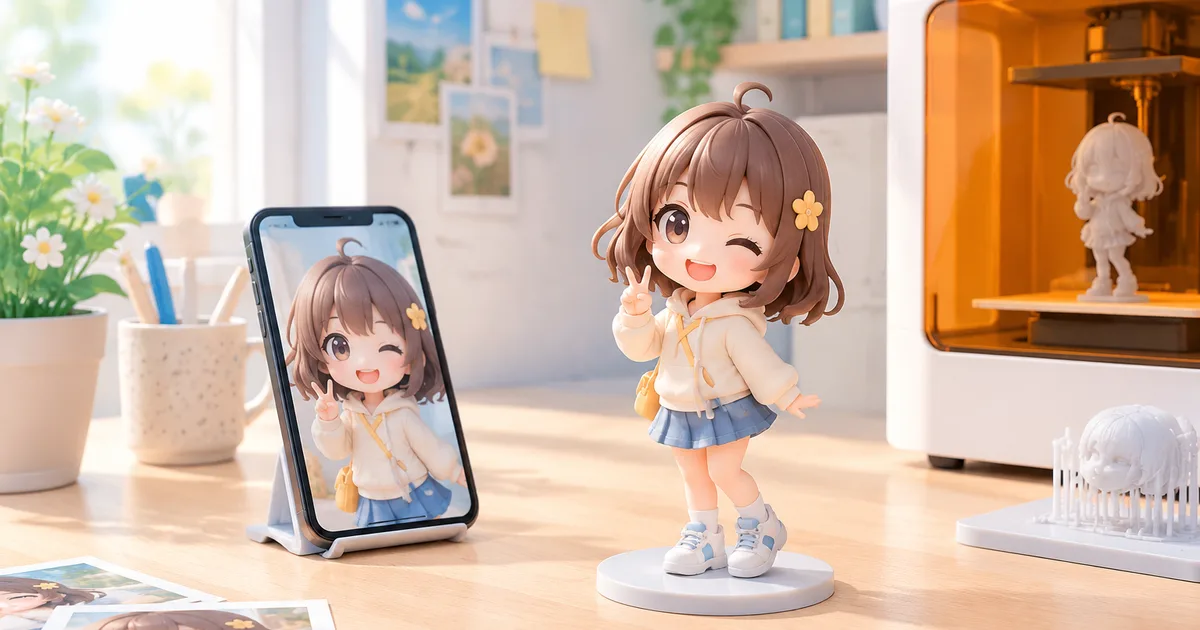
A selfie can be used to create a high‑quality FigMee figure if you follow a few simple positioning and lighting tips.
Understanding the challenges
When a photo is taken with a smartphone held at arm’s length, three technical problems often appear in the final 3D model. First, the arm may be partially out of frame, causing the software to infer missing geometry and produce a rough, unrealistic limb. Second, wide‑angle lenses stretch the face, making the nose appear larger and the cheeks thinner; the model then inherits this distortion. Third, shooting from directly above introduces harsh shadows that hide surface details and can confuse the depth‑mapping algorithm. Recognising these issues before you shoot saves time and reduces the need for post‑processing.
Positioning your arms
The easiest way to keep the arms fully visible is to keep them close to the body and slightly bent. Extend your elbows so that the forearms form a gentle V in front of the torso; this creates a clear silhouette without overlapping the torso. Avoid raising the arms above shoulder height, which often pushes them out of the camera’s field of view on phones with a 78‑degree field of view. If you need to show both arms, place them at roughly a 45‑degree angle to each other, and make sure the hands are not covering the face or the chest, as the software may misinterpret the covered area.
Dealing with wide‑angle distortion
Smartphone cameras use a wide‑angle lens to capture more of the scene, but this also stretches the edges of the image. To minimise distortion, step back a little—about 30 cm (12 inches) from the camera—so the phone can capture your face without needing to rely on the extreme corners of the lens. If stepping back is not possible, enable the “portrait” mode if your phone offers it; the software applies a mild correction that reduces the barrel effect. After taking the photo, you can also use a free perspective‑correction app to straighten the facial proportions before uploading.
Choosing the right angle and lighting
A slightly elevated angle (camera positioned just above eye level) flattens the face in a natural way and reduces the prominence of a double chin. However, the angle should not be steep; a 15‑degree tilt is enough. Good, even lighting is critical: place a soft light source (a window or a diffused LED panel) in front of you at a 45‑degree angle. Avoid harsh overhead lighting because it creates deep shadows that obscure surface detail, which the 3D reconstruction algorithm needs to interpret depth. A ring light placed around the phone can provide uniform illumination without adding glare.
Preparing the photo for upload
Before uploading, crop the image so that the head and shoulders occupy roughly 70 % of the frame. This gives the algorithm enough pixel density to capture fine facial features. Save the file as a JPEG with a resolution of at least 1080 p; lower resolutions lead to blurry textures on the final figure. FigMee offers a free preview feature, so you can test the result instantly. As of today FigMee has generated 818 figure previews, and 265 customers have published their models in the public gallery, showing that clear, well‑lit selfies consistently produce satisfactory prints.
Practical checklist
- Hold the phone at arm’s length, keep elbows close to the body, and avoid raising arms above shoulder height.
- Step back 30 cm to reduce wide‑angle stretch; enable portrait mode if available.
- Position the camera 15 degrees above eye level.
- Use soft, front‑facing lighting; avoid harsh overhead lights.
- Crop so the head and shoulders fill about 70 % of the frame and save at 1080 p or higher.
- Run the free FigMee preview before ordering the print.
FAQ
How much of my arm can be out of frame before the model looks odd?
If more than a fingertip is missing, the software will guess the missing shape, often resulting in a blocky or overly thin limb.
Does the background affect the 3D reconstruction?
A plain, contrasting background helps the algorithm separate you from the surroundings, but FigMee’s software can handle modest clutter as long as the subject is well lit.
Can I use a selfie taken with a front‑facing camera?
Yes, but front cameras usually have a narrower field of view, which reduces distortion. Just follow the same positioning and lighting guidelines.
Is it okay to wear accessories like glasses or hats?
Glasses can cause reflections that confuse the depth map; if you wear them, choose anti‑reflective lenses. Hats are fine as long as they do not obscure the hairline or create deep shadows.
Want to turn a photo into a figure?
Previews are free. Order only once you're happy with what you see.
Try it for free